

Write an SOP, work instruction or procedure
You start an instruction with a fixed outline and write it in the document editor.
Before you start
Hinweis:
- You have the Editor or Admin role.
How to do it
- 1
Open Documents › Controlled documents, choose the company and click New. Choose SOP, Work instruction or Procedure.
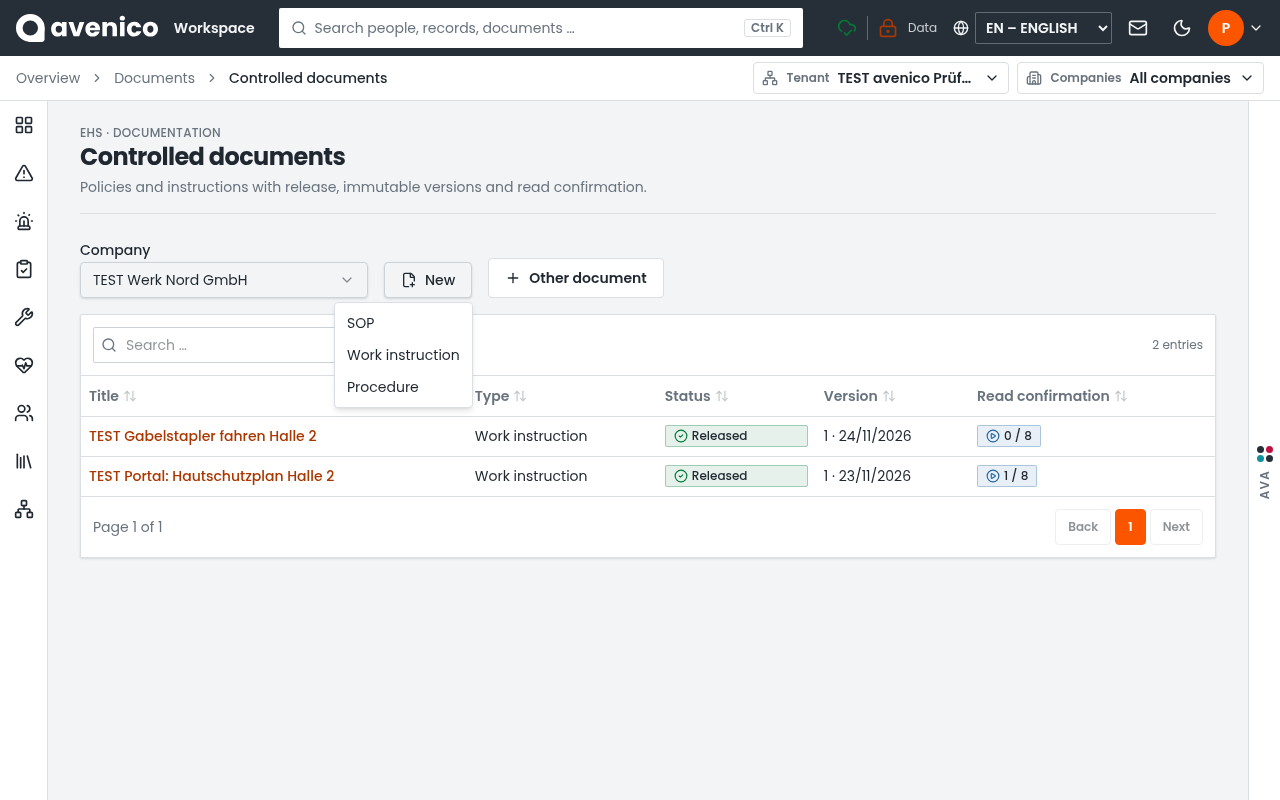
Example from a test account with fictional data - 2
Click Edit, change the title and write under the given headings. Save with Save and then click Submit for review.
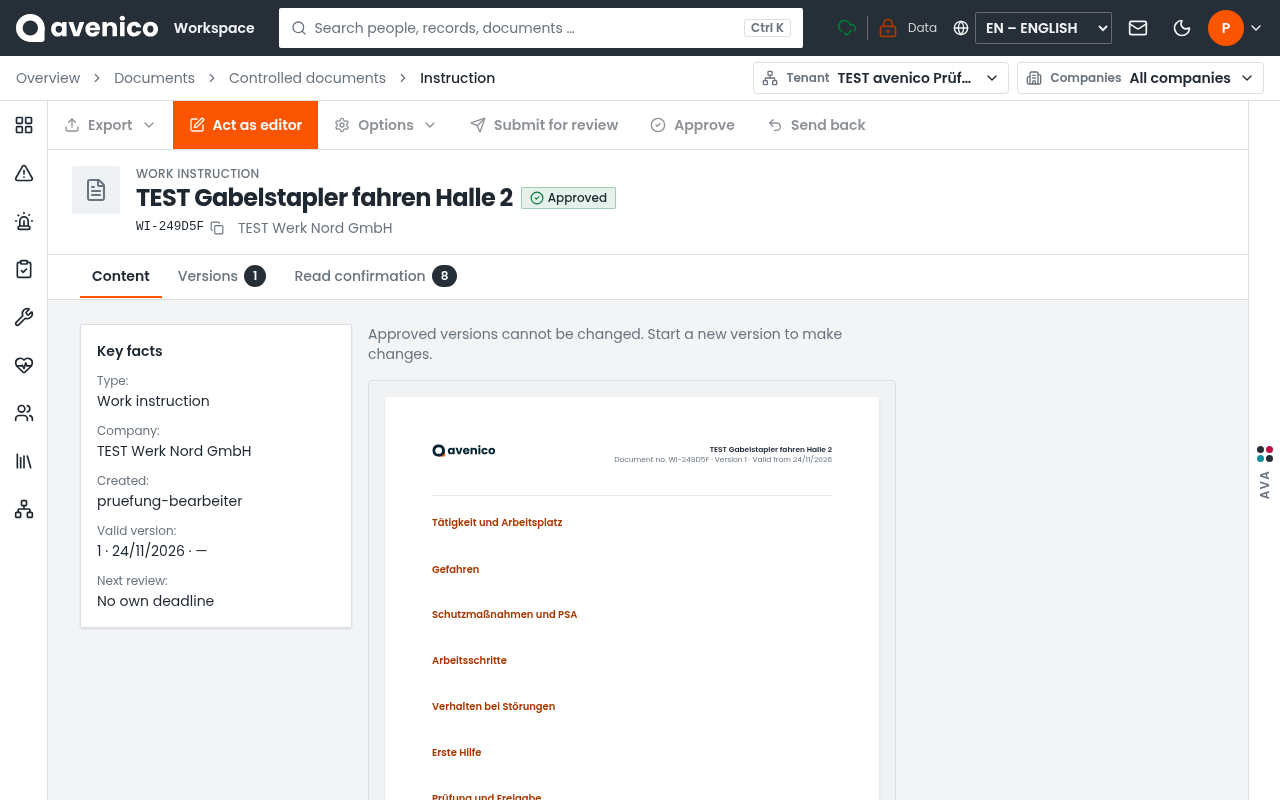
Example from a test account with fictional data
What happens next
Tipp: The instruction is In review and cannot be edited until it is released or rejected.
Troubleshooting
Achtung:
I want to change a released instruction.
Click Edit and give the reason under What changes?. The released version stays valid until the new version is released.
Updated: 24/11/2026 · Version 1 · #70867949
Changes in this version: seed:help-2026-11-24b:sop:write