

Add person
How to create a new employee file in the system.
Before you start
Hinweis:
- You have a role with edit rights for the respective company.
How to do it
- 1
Open People → Employee files.
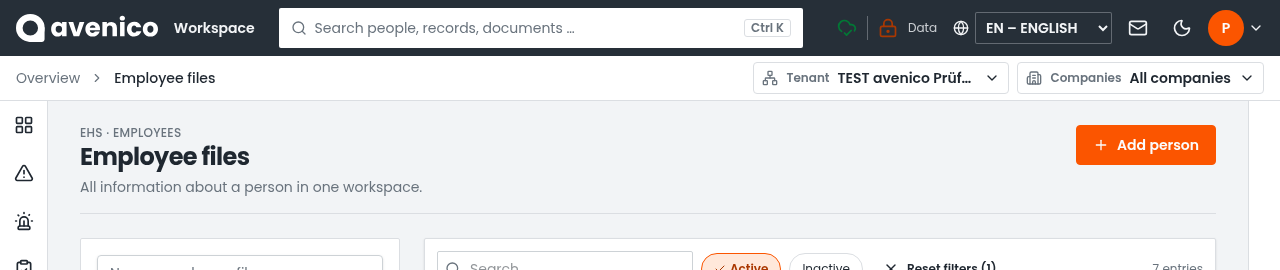
Example from a test account with fictional data - 2
Click the Add person button.
- 3
Select the company and enter at least first name, last name, and contact details.
- 4
Optionally fill in additional details such as activities, address, or employment information and save the record.
What happens next
Tipp: The person appears in the list of employee files. Based on the recorded data and activities, avenico automatically determines required trainings and occupational checkups.
Troubleshooting
Achtung:
The entered phone number is flagged as invalid.
First select the country from the dropdown, then enter the phone number without the international area code.
Related articles
Updated: 24/11/2026 · Version 2 · #15092384
Changes in this version: fix:2026-11-24:15092384