

Create a risk assessment
How to create a new risk assessment for a workplace or activity.
Before you start
Hinweis:
- You have administrator rights or the editor role with additional risk assessment permissions.
How to do it
- 1
Open Hazards → Risk assessments and click Add.
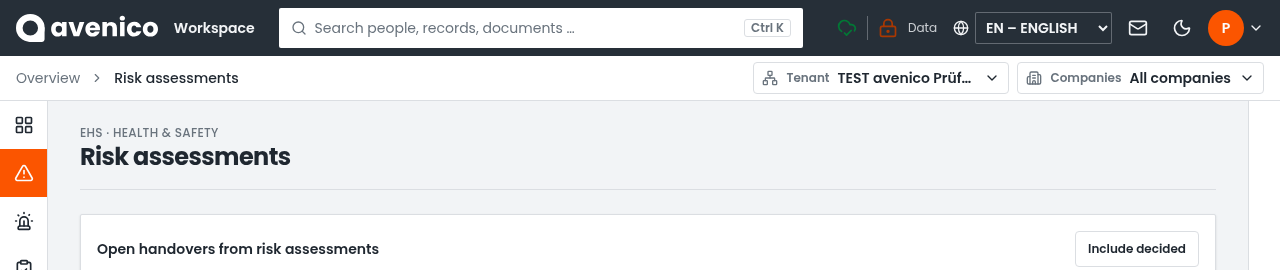
Example from a test account with fictional data - 2
Select the Company and enter a Title, the Workplace, the Activity, and the date of the next review.
- 3
Click Save, then open the new assessment to record hazards, risks, and measures.
What happens next
Tipp: The assessment appears in the risk assessment list. The review date becomes a deadline on the dashboard.
Troubleshooting
Achtung:
Why is "Open handovers from risk assessments" displayed?
These are open action items linked to other areas such as training or occupational medicine. Complete them in their respective modules or document why no action is needed.
Related articles
Updated: 24/11/2026 · Version 2 · #16630518
Changes in this version: fix:2026-11-24:16630518