

Add and assess hazards
Learn how to import and assess hazards from catalogs in a risk assessment. You must independently verify their technical suitability.
Before you start
- The risk assessment must already be created.
- You need edit permissions for risk assessments.
How to do it
- 1
Navigate in the menu to Gefährdungen.
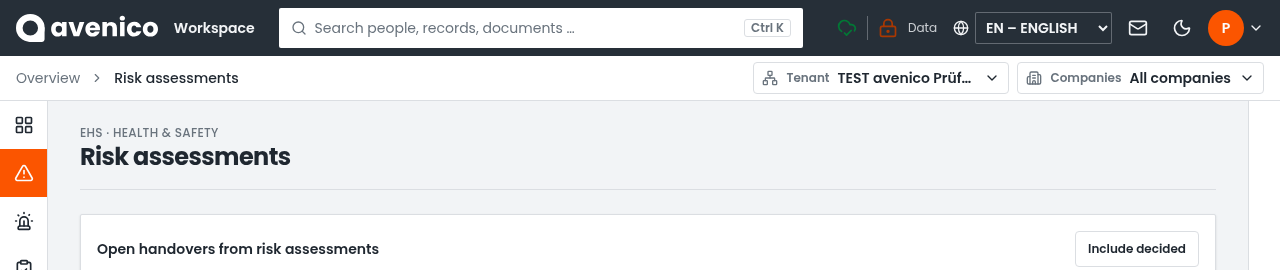
Example from a test account with fictional data - 2
Open the desired risk assessment from the list.
- 3
Select relevant hazards using the search or the available catalogs.
- 4
Independently verify the technical suitability of the selected hazard for your specific area of activity.
- 5
Assess the hazard using the risk matrix (Nohl matrix).
- 6
Save the added hazards and assessments.
What happens next
Troubleshooting
Is a hazard automatically considered suitable if it is listed in the catalog?
No. Catalog entries only serve as structured templates. You must always independently verify whether the hazard applies to the specific workplace.
Updated: 24/11/2026 · Version 2 · #43862574
Changes in this version: fix:2026-11-24:43862574