

I did not receive an email
If expected deadline reminders or notifications do not arrive, learn here how to verify address data and inspect delivery status.
Before you start
- You are missing an email training invitation, confirmation code, or deadline reminder.
How to do it
- 1
Check your local spam or junk folder in your email client.
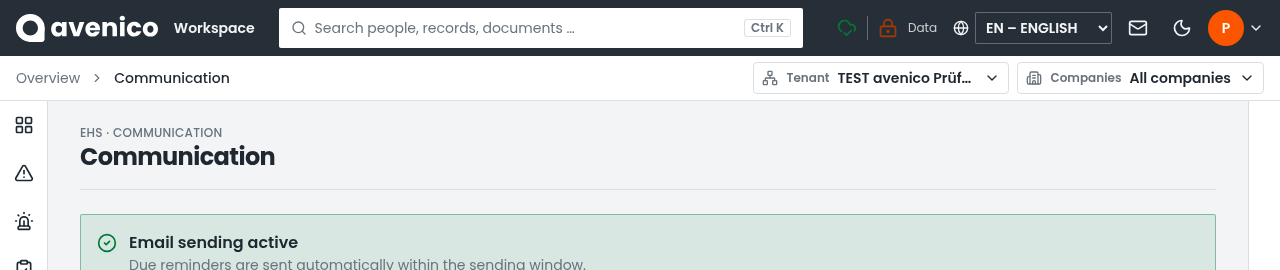
Example from a test account with fictional data - 2
Check under People → Employee files whether the correct email address is entered in your employee file.
- 3
Observe the timing: Direct notifications usually arrive within a few minutes, whereas standard deadline reminders are dispatched in batches during the day.
- 4
With administrator permissions, go to Communication.
- 5
Review the tabs for reminders and undeliverable addresses to see whether the message is still pending, failed, or marked as undeliverable.
What happens next
Troubleshooting
What does an entry under undeliverable addresses mean?
The mail server could not deliver the message. Correct the email address in the respective employee file so that future notifications can be delivered.
Does a missing email postpone my mandatory deadlines?
No. Statutory deadlines and inspection dates remain binding regardless of whether an automated reminder was received.
Updated: 24/11/2026 · Version 2 · #23177133
Changes in this version: fix:2026-11-24:23177133