

Assess residual risk after measures
After defining and assigning protective measures, reassess and document the remaining residual risk in the risk assessment.
Before you start
- The risk assessment with its initial baseline risk has been created.
- At least one protective measure is assigned to the hazard.
How to do it
- 1
Navigate in the main menu to Gefährdungen.
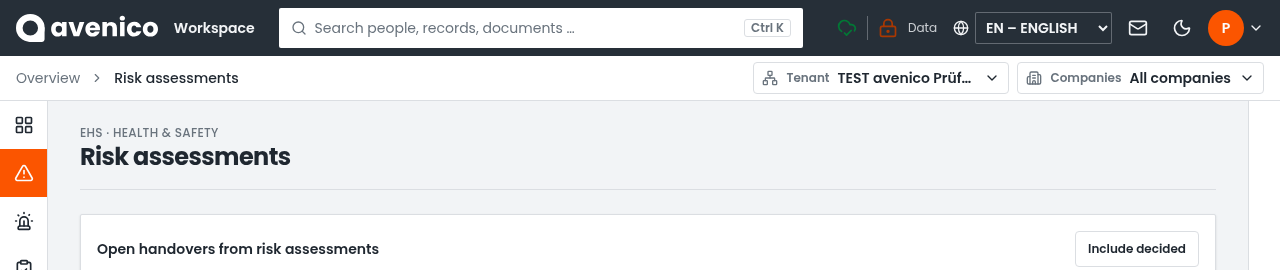
Example from a test account with fictional data - 2
Select the relevant risk assessment from the list and open the specific hazard.
- 3
Review the assigned measures and their protective effect regarding probability of occurrence and severity of harm.
- 4
Reassess the hazard in the risk matrix taking the measures into account to determine the residual risk.
- 5
Save the updated risk assessment.
What happens next
Troubleshooting
Is the residual risk recalculated automatically once a measure is added?
No. The effectiveness of the measures must be technically evaluated and the residual risk must be manually set and saved in the risk matrix.
Updated: 24/11/2026 · Version 2 · #10782025
Changes in this version: fix:2026-11-24:10782025