

Send personal link to employees
Employees complete tasks using personal links sent via email. A valid email address stored in the employee file is required.
Before you start
- You are logged in with the editor or administrator role.
- The person concerned is registered as an employee in the system.
How to do it
- 1
Navigate in the menu to People → Employee files.
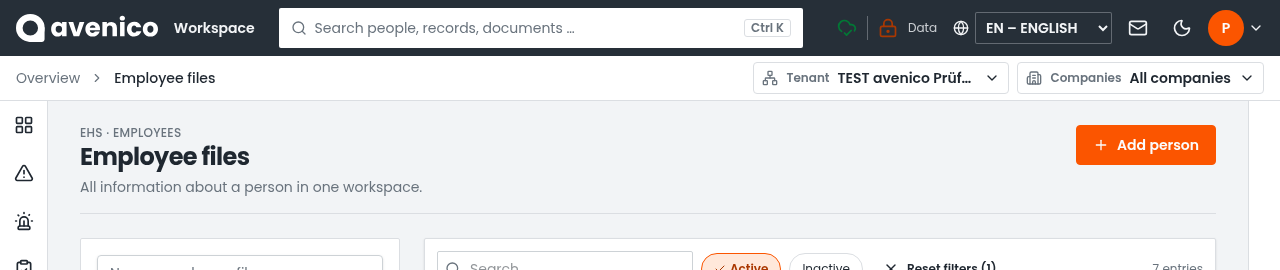
Example from a test account with fictional data - 2
Locate the person in the list of employees.
- 3
Check the E-Mail column to ensure a valid business email address is recorded.
- 4
If missing, add a valid email address in the employee file and save the changes.
- 5
Assign the task (such as training, medical checkup, or signing) to the person; the system automatically dispatches the personal access link via email.
What happens next
Troubleshooting
Is the personal link alone sufficient to view confidential data?
No. The personal link opens the task, but depending on system settings, additional authentication (such as a passkey or login) is required to protect personal data.
Why is an employee not receiving an email with the link?
Check the employee file to confirm a valid email address is set. You can also check under Cases & workflows → Cases & escalation to see if delivery failed or is pending.
Updated: 24/11/2026 · Version 2 · #20611686
Changes in this version: fix:2026-11-24:20611686