

Transfer Group Responsibility
Assign a new responsible person to a group to ensure deadlines and escalations continue without interruption.
Before you start
Hinweis:
- The new responsible person is actively created under People → Employee files.
- You have administrative permissions to edit groups.
How to do it
- 1
Navigate in the main menu to People → Groups & supervisors.
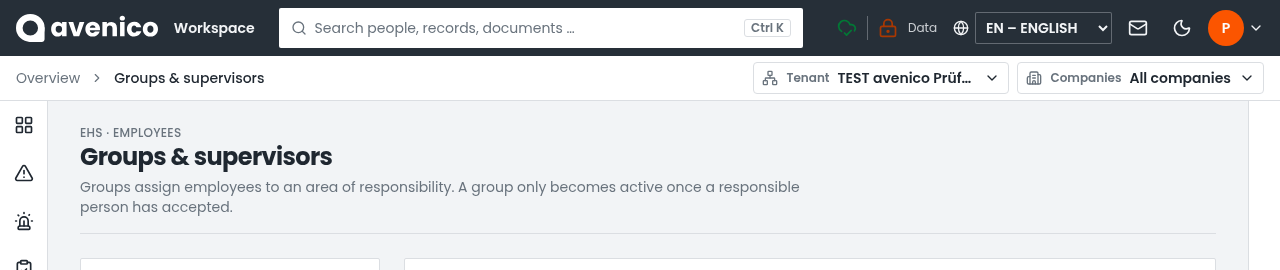
Example from a test account with fictional data - 2
Select the relevant group from the list.
- 3
Go to the Verantwortliche Personen section and add the new person.
- 4
Only remove the previous responsible person after the successor has been added.
- 5
Save the changes to the group.
What happens next
Tipp: Notifications and deadline escalations for the group will now be directed to the newly assigned person.
Troubleshooting
Achtung:
Why can't I immediately delete the previous responsible person?
An active group always requires at least one responsible person. Always add the successor before removing the previous entry.
Updated: 24/11/2026 · Version 2 · #42141727
Changes in this version: fix:2026-11-24:42141727