

Booking Is Not Attendance: Confirm Participation
Learn how to separately record actual attendance after a session. A booking or merely joining a meeting never counts as attendance.
Before you start
- The training event has already taken place.
- You have editing permissions in the training module.
How to do it
- 1
Navigate in the menu to Trainings → Trainings.
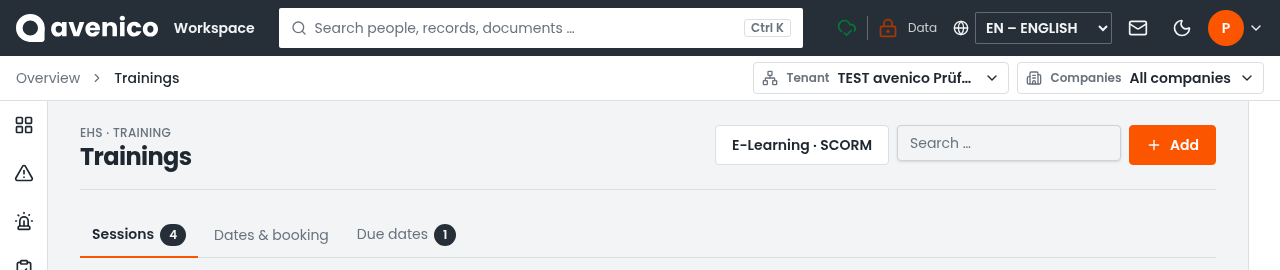
Example from a test account with fictional data - 2
Open the tab Termine & Buchung.
- 3
Select the relevant training session from the overview list.
- 4
Review the list of registered individuals against the actual session attendance.
- 5
Explicitly confirm actual attendance for each participant and mark absences separately.
- 6
Save the updated participant list.
What happens next
Troubleshooting
Does clicking the meeting link already count as participation?
No. Opening the meeting link requires a deliberate click, but it does not document actual attendance.
Does a documented absence postpone statutory deadlines?
No. An absence does not postpone statutory deadlines, and unknown statuses never count as fulfilled.
Updated: 24/11/2026 · Version 2 · #11515215
Changes in this version: fix:2026-11-24:11515215