

Date is displayed incorrectly
Deadlines and due dates follow standardized calculation rules and priorities. Learn how avenico calculates and checks dates.
Before you start
- You see a deadline date that does not match your expectations.
How to do it
- 1
In the menu, open People → Employee files and select the person concerned from the list.
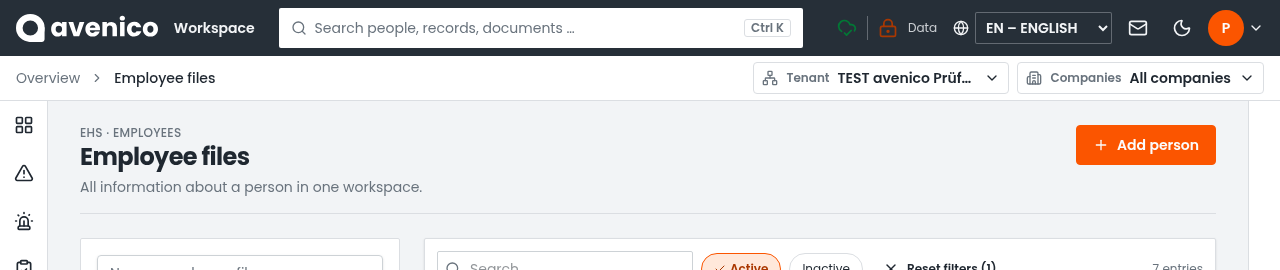
Example from a test account with fictional data - 2
Check whether an individual due date is set for the task or requirement, as this takes precedence over intervals.
- 3
Note the interval calculation: A 12-month interval starting from an event on April 6 normally ends on April 5 of the following year.
- 4
Note that simply registering a planned appointment does not yet fulfill or postpone the existing deadline.
- 5
Check in the records and documents whether a preceding measure or training session was fully completed with all required confirmations.
What happens next
Troubleshooting
Does self-reporting an appointment postpone the deadline?
No. Merely scheduling or self-reporting an appointment does not fulfill the requirement and does not postpone the due date.
Does an absence postpone statutory deadlines?
No. Statutory and operational deadlines continue to run during an absence.
Updated: 24/11/2026 · Version 2 · #80759472
Changes in this version: fix:2026-11-24:80759472