

Routing Slip for the Company Physician
Once a request has been fully approved, a technical routing slip is issued as an order. It contains only approved services as well as company and service provider data, but no diagnoses.
Before you start
- All services in the request have been fully reviewed and approved.
- The company's service provider and contract references are configured.
How to do it
- 1
Open Occupational medicine in the navigation and select the Anfragen & Portal tab.
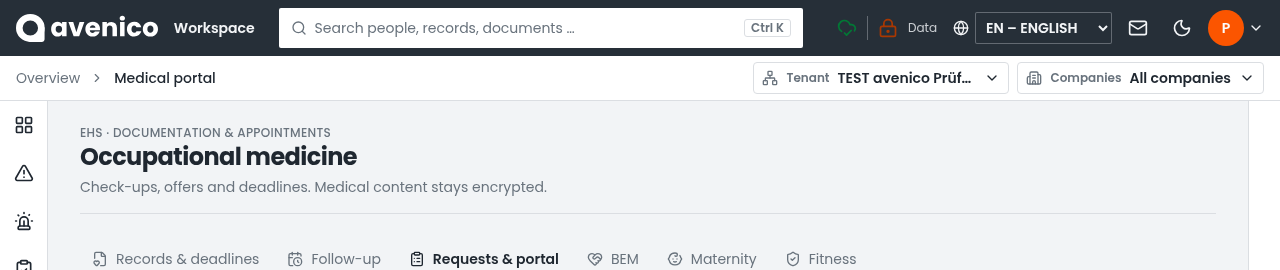
Example from a test account with fictional data - 2
Select the approved case under Anfragen.
- 3
Download the generated routing slip as a PDF or print it out.
- 4
Check whether company procedures additionally require an original copy or a physical signature.
- 5
Take the routing slip to the examination appointment with the company physician.
What happens next
Troubleshooting
Does the QR verification of the routing slip confirm the medical examination?
No. The public QR verification only confirms the technical validity of the order and not any medical execution.
Are diagnoses listed on the routing slip?
No. The routing slip contains only the approved services as well as employer, employee, service provider, and contract details.
Updated: 24/11/2026 · Version 2 · #14222407
Changes in this version: fix:2026-11-24:14222407