

Assign qualifications and equipment
Record qualifications and assigned equipment directly in the employee file to manage evidence and assignments centrally.
Before you start
Hinweis:
- You have editor or administrator permissions for the company's employee files.
- The person concerned is already created in the employee files.
How to do it
- 1
Navigate to People → Employee files.
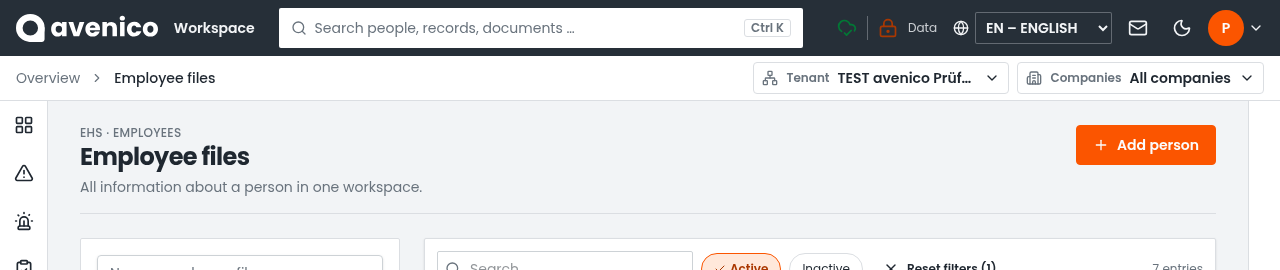
Example from a test account with fictional data - 2
Select the desired person in the list (e.g. by clicking the name or via the actions menu).
- 3
Enter the acquired qualifications and evidence in the profile details.
- 4
Record the assigned equipment and confirm the changes in the record.
What happens next
Tipp: The details are stored in the employee file and available for operational reviews and audits.
Troubleshooting
Achtung:
A person does not appear in the list.
Check the filters above the table for company and status (e.g. active or inactive) or reset the active filters.
Updated: 24/11/2026 · Version 2 · #70738361
Changes in this version: fix:2026-11-24:70738361