

Create operating instructions for hazardous substances
Learn how to generate and download a draft of operating instructions as a PDF for a hazardous substance in the hazardous substance register.
Before you start
- You have access to the hazardous substance register as an editor or administrator.
- Company data including colors and logo has been configured.
How to do it
- 1
Navigate in the menu to Gefährdungen → Gefahrstoffe (hazardous substances).
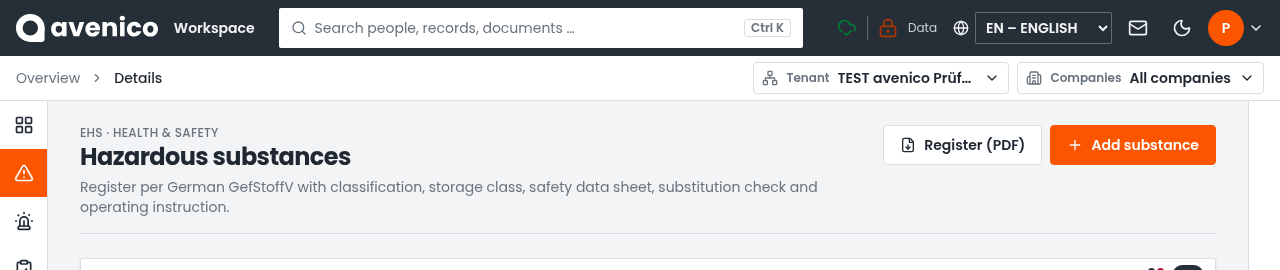
Example from a test account with fictional data - 2
Select the relevant hazardous substance from the table or create a new one using Gefahrstoff erfassen.
- 3
Ensure that the classification and safety-relevant details of the substance are complete.
- 4
In the substance row under the Betriebsanweisung column, click Entwurf der Betriebsanweisung als PDF.
- 5
Download the generated PDF file to review the draft and authorize it for operational use.
What happens next
Troubleshooting
Is the downloaded draft already a legally binding operating instruction?
No. The document is explicitly a draft that must be tailored to actual local operating conditions and approved by the responsible manager.
Updated: 24/11/2026 · Version 2 · #96058756
Changes in this version: fix:2026-11-24:96058756