

Upload is not working
File uploads for e-learning and certificates must adhere to fixed formats and limits. Here are the supported specifications for troubleshooting.
Before you start
- You have prepared a PDF file or a SCORM ZIP package for upload.
How to do it
- 1
For certificates in PDF format, check whether the file is intact and does not exceed the maximum file size of 8 MiB.
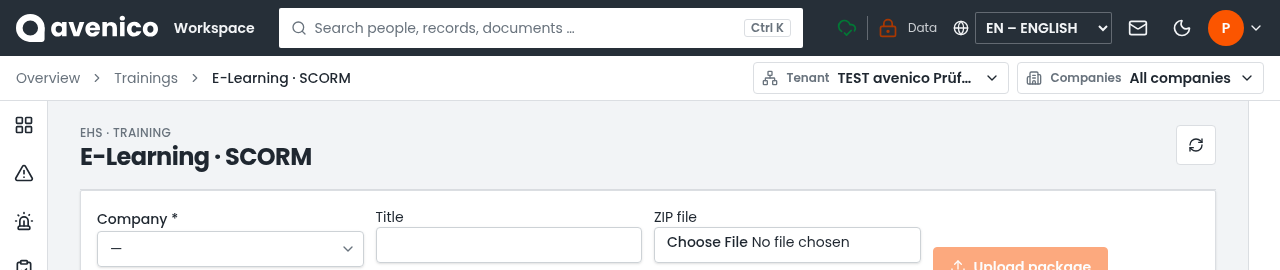
Example from a test account with fictional data - 2
For e-learning packages, verify that the ZIP file does not exceed 100 MB compressed and 250 MB uncompressed.
- 3
Ensure that exactly one SCO is present in the SCORM package and that the control file imsmanifest.xml is located directly in the root directory.
- 4
Verify that the SCORM package contains at most 1,500 files and no single HTML document exceeds 2 MB.
- 5
Open Trainings, navigate to the SCORM section, and click Upload package to restart the upload.
What happens next
Troubleshooting
Are SCORM packages with multiple SCOs supported?
No. avenico exclusively supports SCORM 1.2 and SCORM 2004 with exactly one SCO.
Can external CDNs be loaded into SCORM files?
No. External CDN dependencies are not part of the supported feature set.
Updated: 24/11/2026 · Version 2 · #57587372
Changes in this version: fix:2026-11-24:57587372