

Refresher Deadlines for Training
This article explains how recurring training deadlines are calculated. Deadlines are updated only upon qualifying completions.
Before you start
- The training has been created with recurrence rules.
- Participation, attendance, and signatures are recorded in the system.
How to do it
- 1
Open Trainings → Trainings and select the relevant training.
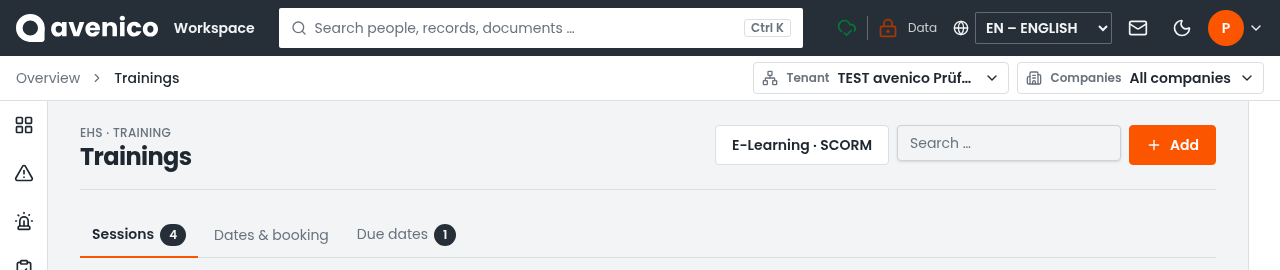
Example from a test account with fictional data - 2
Review the configured recurrence rules and intervals in the training details.
- 3
Conduct the session and record attendance as well as any mandatory knowledge tests.
- 4
Collect the required signatures from the training instructor and participants.
- 5
Upon full completion, the system calculates the new deadline based on the event date.
- 6
If needed, verify the updated deadline in the employee file under People → Employee files.
What happens next
Troubleshooting
Does a delayed signature postpone the start of the next deadline?
No. The event date or course end anchors the period; a later signature does not shift the calculation date.
What happens if an individual next deadline was entered for a person?
An explicitly documented individual deadline takes precedence over the automatic interval calculation.
Updated: 24/11/2026 · Version 2 · #13155148
Changes in this version: fix:2026-11-24:13155148