

Store a safety data sheet
How to attach an up-to-date safety data sheet to a substance in the hazardous substances register.
Before you start
- The manufacturer's safety data sheet is available digitally (e.g., as a PDF).
- You have editing permissions for the hazardous substances register in the relevant company.
How to do it
- 1
In the menu, navigate via Gefährdungen to Gefahrstoffverzeichnis.
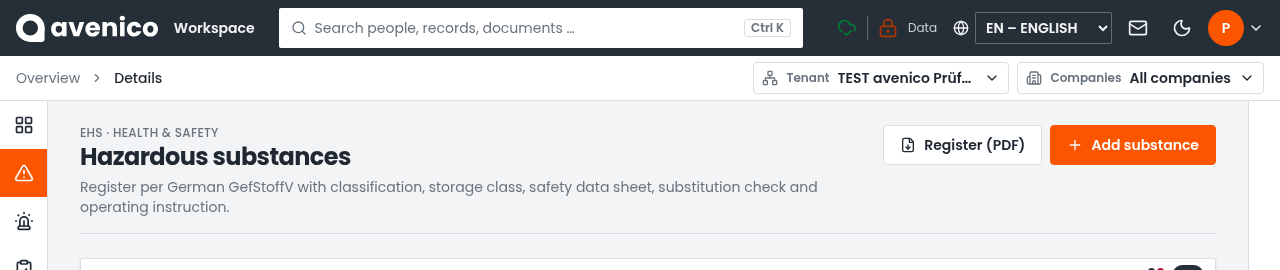
Example from a test account with fictional data - 2
Check the top bar to ensure the correct company is selected.
- 3
Click the relevant substance in the list or create a new entry via the button Gefahrstoff erfassen.
- 4
Upload the file under Sicherheitsdatenblatt in the form and save the entry.
What happens next
Troubleshooting
Why does the substance still appear under "Was fehlt noch?"?
Check whether other mandatory details such as classification or operating instructions are still missing in addition to the safety data sheet.
Can an existing safety data sheet be replaced?
Yes, open the hazardous substance from the list again to upload and save an updated version of the file.
Updated: 24/11/2026 · Version 2 · #97478460
Changes in this version: fix:2026-11-24:97478460