

Activating a Workflow and Versions
Activating releases a workflow bindingly for new cases. Existing cases remain on their previous version.
Before you start
- You are logged in with an administrative role.
- The workflow draft is completely configured.
How to do it
- 1
Navigate in the menu to Cases & workflows → Workflows.
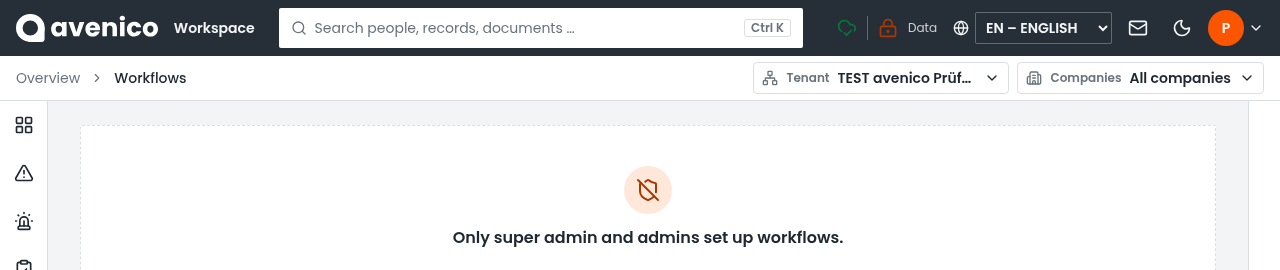
Example from a test account with fictional data - 2
Select the desired workflow from the list.
- 3
Check the version and revision details as well as the draft configuration.
- 4
Activate the workflow to release it for new cases.
- 5
Verify that the workflow status is displayed as active.
What happens next
Troubleshooting
Are existing historical records altered by a new version?
No. Cases and records that have already been created retain their historical state without changes.
What happens during concurrent editing of a draft?
If changes were saved by another user in the meantime, reload the view before saving to prevent overwriting.
Updated: 24/11/2026 · Version 2 · #76867390
Changes in this version: fix:2026-11-24:76867390