

Editing your profile
In your profile, you manage personal account settings such as language, number formats, and security options.
Before you start
Hinweis:
- You are logged in to the avenico workspace.
How to do it
- 1
Click on your profile icon or initials (e.g. P) in the top header.
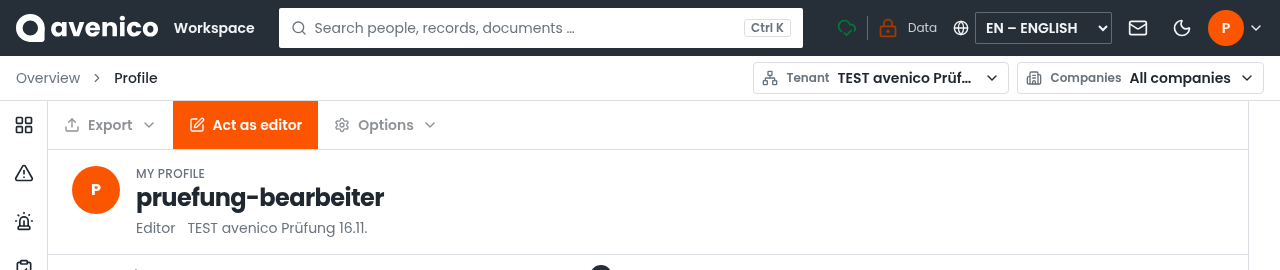
Example from a test account with fictional data - 2
Select the relevant tab, such as language/formats or security.
- 3
Update the desired settings such as your display language or credentials.
- 4
Confirm your changes in the corresponding form area.
What happens next
Tipp: Your personal profile settings are updated and saved for upcoming sessions.
Troubleshooting
Achtung:
Why did my contact information in the employee list not change automatically?
Account settings and operational records in People → Employee files are stored separately. Master data changes must be updated directly in the corresponding employee file.
Updated: 24/11/2026 · Version 2 · #80513706
Changes in this version: fix:2026-11-24:80513706