

Checking missing permissions
Access rights in avenico are role-based and separated by company. Here is how to check your roles, additional permissions, and assigned companies.
Before you start
- You are logged in to avenico.
How to do it
- 1
Click Members & roles in the menu.
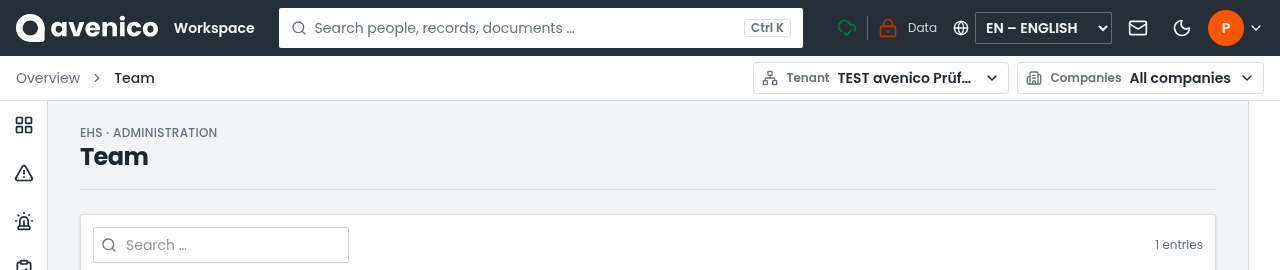
Example from a test account with fictional data - 2
Under Eigene Rollen, check your assigned role and company assignments.
- 3
Review whether additional risk assessment editing rights are active if you need to work on risk assessments.
- 4
Use the company selector in the top bar to verify whether the required company is assigned and selected.
- 5
If you are missing permissions or company access, contact an administrator for your tenant to update your assignments.
What happens next
Troubleshooting
Can a supervisor view medical diagnoses?
No. Users with the supervisor role cannot view confidential medical findings or diagnoses.
Does group assignment grant editing permissions?
No. Group assignment defines areas of responsibility, but does not grant general workspace editing rights.
Updated: 24/11/2026 · Version 2 · #55767658
Changes in this version: fix:2026-11-24:55767658