

Submit a report via link or QR code
Using a provided link or QR code, you can record events and observations directly in your web browser. Access is secure and prevents viewing of other people's personal data.
Before you start
- You have received a link or QR code for reporting.
- Your device has an active internet connection and an up-to-date web browser.
How to do it
- 1
Scan the QR code with your smartphone camera or open the provided link in your web browser.
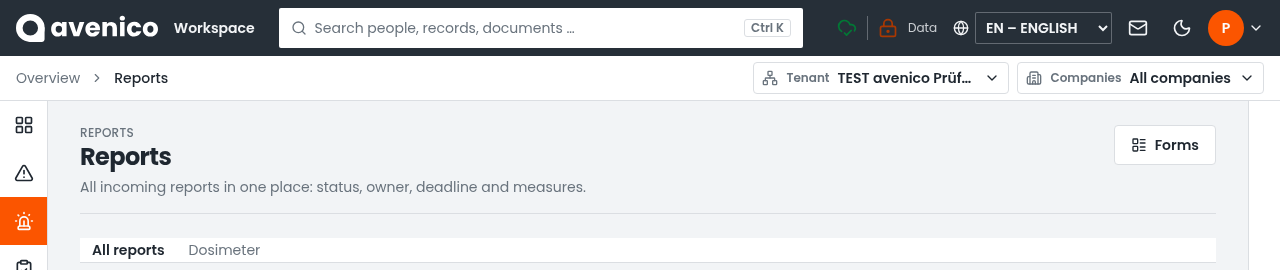
Example from a test account with fictional data - 2
For a named report, confirm your identity using a passkey or sign-in prompt if requested by the system.
- 3
Select the appropriate report form or category for your concern.
- 4
Fill out the required fields about the incident truthfully and completely.
- 5
Submit the form to transmit your report to the system.
What happens next
Troubleshooting
Why is no data of other employees displayed after opening the link?
For data protection reasons, public reporting entry points are protected and do not allow viewing of third-party personal data or reports.
Updated: 24/11/2026 · Version 2 · #11971018
Changes in this version: fix:2026-11-24:11971018