

Viewing and Managing Report Forms
In the form overview, you can review active and archived report forms for incidents and notices, as well as their version status.
Before you start
Hinweis:
- You are logged in with a role that has access to Incidents & reports.
How to do it
- 1
In the navigation, select Incidents & reports → Reports.
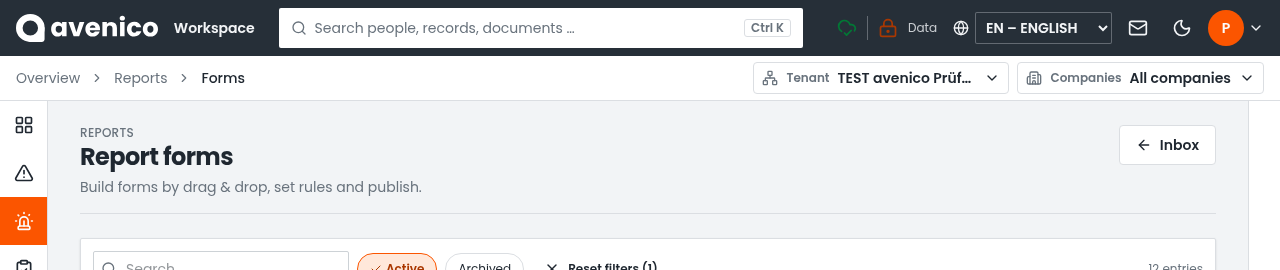
Example from a test account with fictional data - 2
Open the forms overview (for example via the report forms area).
- 3
Review the entries in the list under Form, Version, and Changed.
- 4
If needed, filter using the Active or Archived buttons to narrow down the form status.
What happens next
Tipp: You have an overview of all available report forms and their version history.
Troubleshooting
Achtung:
A required form is not appearing in the list?
Click Archived or reset any active filters to display older form versions.
Updated: 24/11/2026 · Version 2 · #58238529
Changes in this version: fix:2026-11-24:58238529