

Page is not loading
If pages are unreachable, maintenance or local connection issues may be the cause. Here is how to check the platform status and troubleshoot.
Before you start
- A page in avenico does not load or stops responding.
How to do it
- 1
Check your local network connection and reload the page in your browser (e.g. using Ctrl + F5 or Cmd + Shift + R).
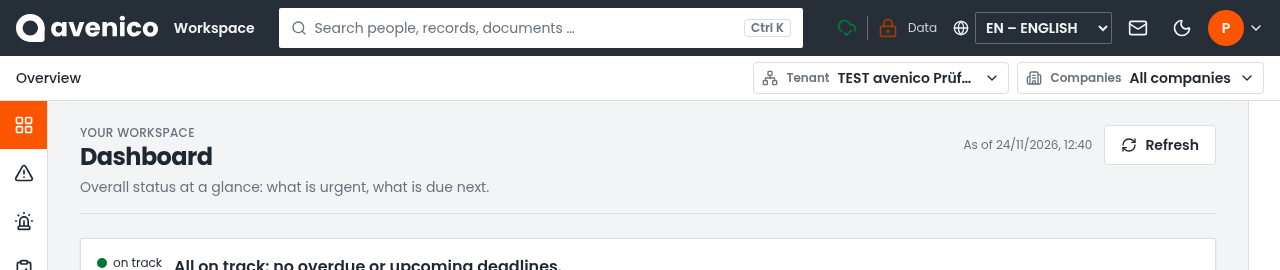
Example from a test account with fictional data - 2
Open the platform status page to view current operational statuses and incidents.
- 3
Check the history for affected services such as application, database, or notifications.
- 4
Check whether a specific notice of scheduled module maintenance is displayed.
- 5
Contact support or your administrator if neither maintenance nor an incident is listed and the page still does not load.
What happens next
Troubleshooting
Does scheduled maintenance appear as a technical server error?
No. Scheduled module maintenance is usually displayed as a planned maintenance state with an explanatory note.
Does the status page function independently during a complete hosting outage?
If the status page shares hosting infrastructure with the platform, it may also be temporarily unavailable during a total hosting outage.
Updated: 24/11/2026 · Version 2 · #72717729
Changes in this version: fix:2026-11-24:72717729