

Phone number is not accepted
Phone numbers in employee files are validated against country-specific format requirements. Learn how to enter phone numbers without errors.
Before you start
- You are logged in to avenico and have permission to create or edit employee files.
How to do it
- 1
In the main menu, navigate to People → Employee files.
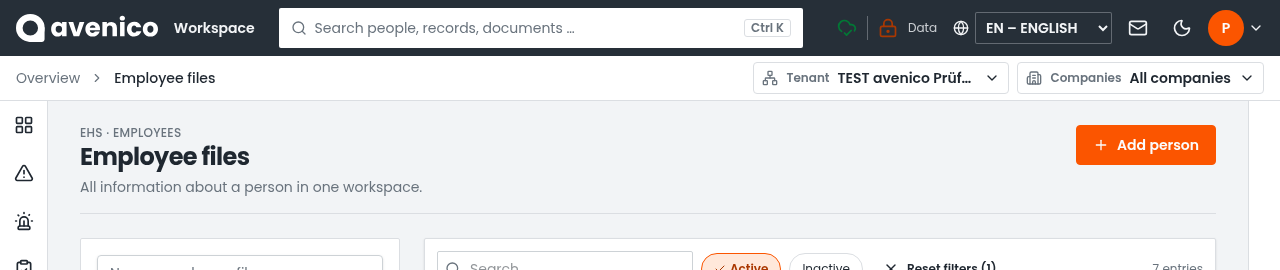
Example from a test account with fictional data - 2
Select an existing person from the list or click Person anlegen.
- 3
Select the appropriate country or country code in the phone number input field.
- 4
Enter the phone number matching the structure of the selected country and note any validation hints regarding number length or disallowed special characters.
- 5
Save the employee file.
What happens next
Troubleshooting
Does avenico send phone numbers to external validation services?
No. Format validation occurs locally in the system based on standard format rules without external services.
Does changing the country delete my already entered number?
No. Changing the country selection keeps the already entered digits in the form.
Updated: 24/11/2026 · Version 2 · #29590184
Changes in this version: fix:2026-11-24:29590184