

Maintain GHS pictograms and H-statements
Learn how to record and update GHS hazard pictograms and H-statements in the hazardous substance register.
Before you start
- You have the current safety data sheet for the hazardous substance available.
- You have editor permissions for the hazardous substance register.
How to do it
- 1
Go to Hazards → Hazardous substances to open the substance register.
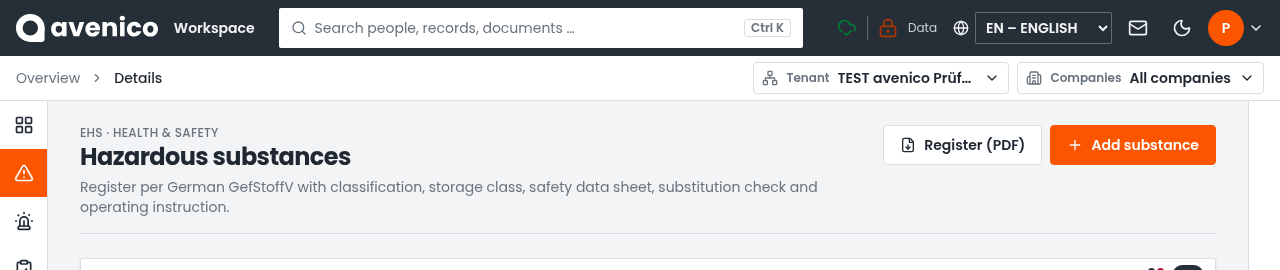
Example from a test account with fictional data - 2
Click the relevant entry under Gefahrstoff in the list, or create a new one using Gefahrstoff erfassen.
- 3
Navigate to the classification section of the substance record.
- 4
Select the applicable GHS hazard pictograms and H-statements according to the safety data sheet.
- 5
Save the record to update the information in the Einstufung column.
What happens next
Troubleshooting
Is classification data automatically synchronized with external databases?
No. GHS pictograms and H-statements must be manually entered and verified against the manufacturer's safety data sheet.
Updated: 24/11/2026 · Version 2 · #83706146
Changes in this version: fix:2026-11-24:83706146