

Nohl matrix: Determine initial risk
This article describes how to determine the initial risk of a hazard using the Nohl matrix and document it directly in the risk assessment.
Before you start
Hinweis:
- The relevant risk assessment and hazard item must already exist.
- You need editing permissions for risk assessments in the respective company.
How to do it
- 1
Navigate to Gefährdungen (Hazards) in the menu.
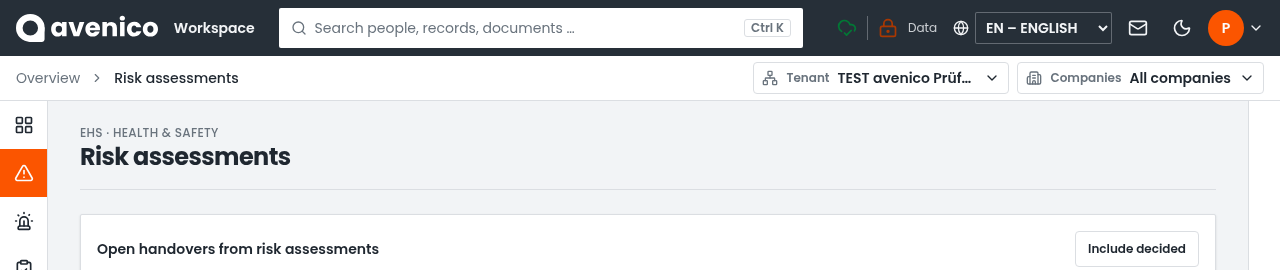
Example from a test account with fictional data - 2
Open the desired risk assessment from the list.
- 3
Select the specific hazard item that you want to evaluate.
- 4
Determine the initial risk in the Nohl matrix using the axes for severity of harm and probability of occurrence.
- 5
Save your assessment to record the initial risk on the hazard item.
What happens next
Tipp: The initial risk is documented and serves as the baseline for determining protective measures.
Troubleshooting
Achtung:
Why am I unable to edit the risk rating of a hazard item?
Check whether you have editing permissions for the company or whether the risk assessment has already been finalized or locked.
Updated: 24/11/2026 · Version 2 · #91528183
Changes in this version: fix:2026-11-24:91528183