

Record an accident
You record workplace accidents and events in a structured manner in the system. Recording ensures comprehensive documentation for occupational safety and incident analysis.
Before you start
Hinweis:
- You are logged in to the workspace.
- Details regarding date, location, event sequence, and involved persons are available.
How to do it
- 1
Open Incidents & reports in the navigation.
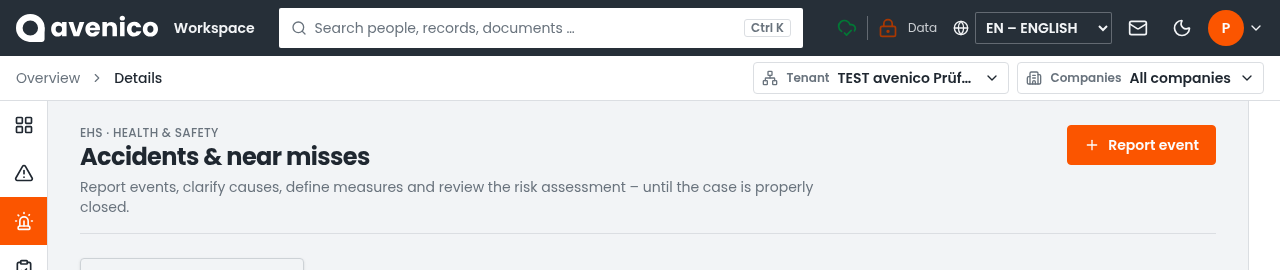
Example from a test account with fictional data - 2
Click the button Ereignis melden (Report event).
- 3
Select the relevant company and assign the involved persons.
- 4
Enter the date, time, location, and detailed sequence of events.
- 5
Save the event to create the case.
What happens next
Tipp: The accident is documented in the system and available for root cause analyses and follow-up actions.
Troubleshooting
Achtung:
Does an accident-related absence postpone existing deadlines?
No, an absence does not automatically postpone statutory deadlines.
Updated: 24/11/2026 · Version 2 · #38131270
Changes in this version: fix:2026-11-24:38131270