

Entry in the First-Aid Log
You document first-aid services and minor injuries in the system in compliance with data privacy regulations. The entries remain protected and inaccessible to unauthorized persons.
Before you start
Hinweis:
- First aid has been administered.
- You have permission to record first-aid incidents.
How to do it
- 1
In the menu, navigate to Incidents & reports → First-aid log.
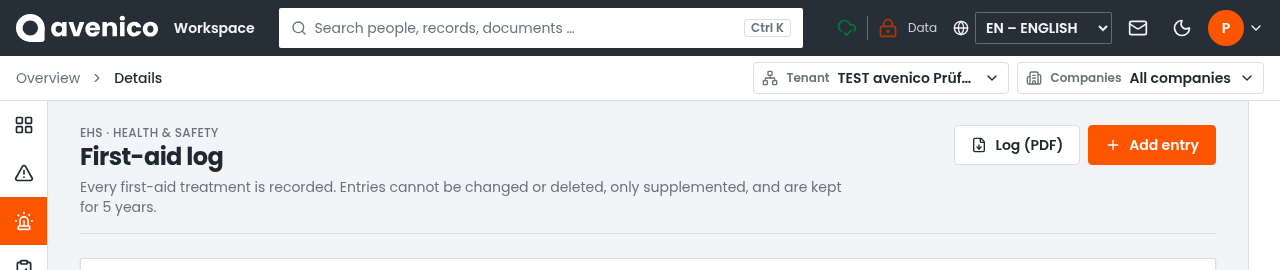
Example from a test account with fictional data - 2
Click Eintrag erfassen.
- 3
Enter the required details for date/time, injured person, company, and incident description.
- 4
Add information about measures taken and materials used, then save the entry.
What happens next
Tipp: The entry is stored in encrypted form and can only be viewed by authorized specialist roles.
Troubleshooting
Achtung:
Can supervisors read all details in the first-aid log?
No, supervisors cannot see confidential medical content or injury details.
Updated: 24/11/2026 · Version 2 · #95037543
Changes in this version: fix:2026-11-24:95037543