

View invoices
Information about invoice availability and viewing company tax details in avenico.
Before you start
Hinweis:
- You are logged in to avenico with an administrative role.
How to do it
- 1
Click Company data in the navigation bar.
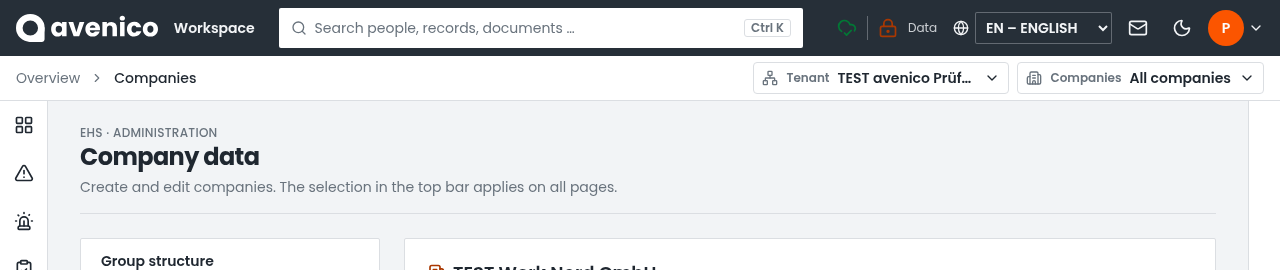
Example from a test account with fictional data - 2
Select the desired company from the list.
- 3
Review the recorded master data such as commercial register, VAT ID, or contact information.
What happens next
Tipp: You have reviewed the company data. An integrated invoice archive or ZUGFeRD download is not available in the interface.
Troubleshooting
Achtung:
Is there an invoice module in avenico?
No, the avenico web interface does not contain a dedicated menu item for invoices or Factur-X files.
Achtung:
How do I receive invoices for software usage?
Invoices are sent separately by email to the designated contact person or accounting department, or provided via support.
Updated: 24/11/2026 · Version 2 · #85932848
Changes in this version: fix:2026-11-24:85932848