

Create a company
How to add a legal entity or site as a company in your tenant.
Before you start
Hinweis:
- You have the Administrator or Owner role in the tenant.
How to do it
- 1
Click Company data in the navigation and select Add company.
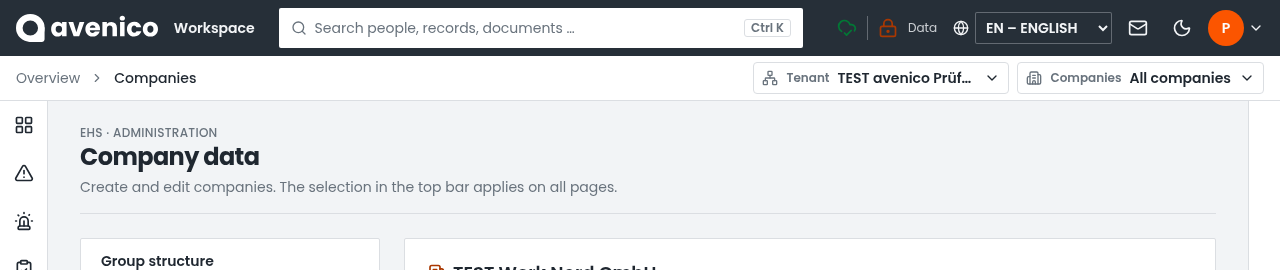
Example from a test account with fictional data - 2
Fill in at least the mandatory fields: company name, street and number, and postcode and city. If needed, click Check address to verify.
- 3
Add optional details such as industry, contact information, or notes, and save the company data.
What happens next
Tipp: The new company appears in the left list and in the header company selector.
Troubleshooting
Achtung:
The save button cannot be clicked.
Ensure that all mandatory fields marked with an asterisk are filled in.
Achtung:
"Check address" reports an unverified address.
The verification queries OpenStreetMap. You can still save the company without an address match.
Related articles
Updated: 24/11/2026 · Version 2 · #13860247
Changes in this version: fix:2026-11-24:13860247