

Review email communication and reminders
Review pending reminders, scheduled signature links, and undeliverable email addresses in the central communication overview.
Before you start
- You are logged in to avenico.
- You have a role with access to administration and the Communication area.
How to do it
- 1
Open Kommunikation (Communication) in the navigation.
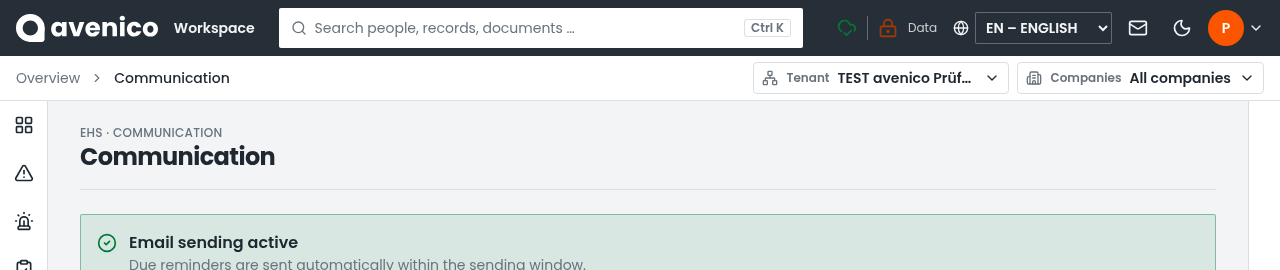
Example from a test account with fictional data - 2
Under Erinnerungen (Reminders), review upcoming notifications including recipients, due dates, and next reminder dates.
- 3
Select Vorschau (Preview) in a table row to inspect the exact wording of the prepared message.
- 4
Switch to Unterschriftslinks (Signature links) or Unzustellbare Adressen (Undeliverable addresses) to check pending signature requests and failed deliveries.
What happens next
Troubleshooting
Why are there no entries listed under Reminders?
If all due notifications have already been sent or no deadlines are currently pending, the Reminders table remains empty.
What should be done if entries appear under Undeliverable addresses?
Check the recorded email address of the affected person in the employee files and correct any typos so future messages can be delivered.
Updated: 24/11/2026 · Version 2 · #21690216
Changes in this version: fix:2026-11-24:21690216