

Keeping Track of Preventive Care Deadlines
The deadline engine automatically monitors due dates according to a fixed schedule from 60 days before to 60 days after the due date. Supervisors and specialized roles see due dates, but no medical findings.
Before you start
- Preventive care requirements are recorded in employee files.
- You have access permissions for the Occupational medicine area.
How to do it
- 1
Click Occupational medicine in the main navigation.
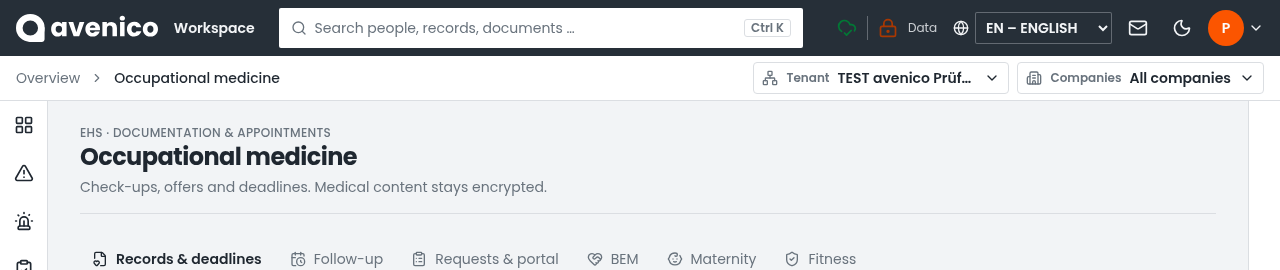
Example from a test account with fictional data - 2
Review upcoming deadlines in the Kartei & Fristen view using the columns Mitarbeitende Person, Unternehmen, and Nächste Vorsorge.
- 3
Switch to the Nachverfolgung tab to check the status of invitations and appointments under Fällig, Termin, and Rückmeldung.
- 4
If necessary, open Cases & workflows → Cases & escalation to inspect overdue cases or intervene using Klärung übernehmen.
What happens next
Troubleshooting
Does an absence (e.g., vacation or illness) postpone the deadline?
No. Absence does not postpone any statutory deadline.
Does an unknown preventive care status count as fulfilled?
No. An unknown status is never considered fulfilled in the system.
Updated: 24/11/2026 · Version 2 · #72111587
Changes in this version: fix:2026-11-24:72111587