

Employee Absences
Supervisors can take over organizational clarifications when employees are absent or deadlines are pending. Legal and professional obligations remain unaffected.
Before you start
- As a supervisor or manager, you have access to cases for your group.
- A deadline case for an employee is in clarification or escalation.
How to do it
- 1
Go to Cases & workflows → Cases & escalation in the menu.
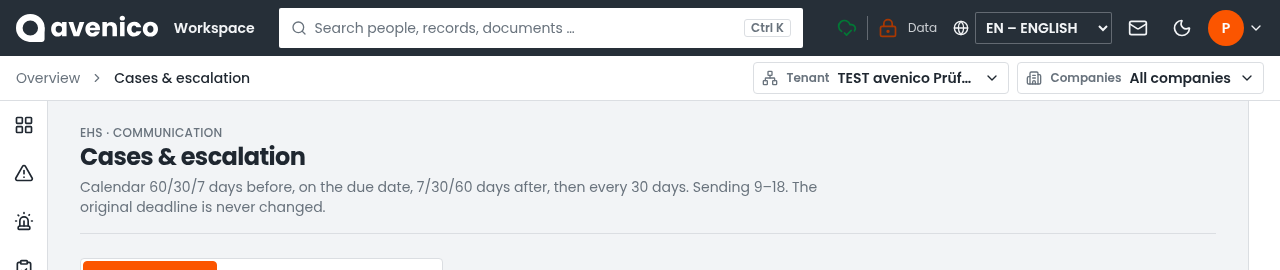
Example from a test account with fictional data - 2
In the overview, select the tab Aktuelle Vorgänge (Current cases).
- 3
Locate the absent employee's case and click Klärung übernehmen (Take over clarification).
- 4
Enter the absence reason under Rückmeldung erfassen and click Rückmeldung speichern (Save feedback).
What happens next
Troubleshooting
Does a documented absence postpone a statutory deadline?
No. An absence or taking over clarification does not postpone statutory deadlines or waive obligations.
Is an examination or training considered completed if I take over clarification?
No. Taking over clarification only pauses reminders and escalations. The obligation is only met once the appointment is actually completed and documented.
Updated: 24/11/2026 · Version 2 · #23966944
Changes in this version: fix:2026-11-24:23966944