

Actions for a Report
You derive concrete actions from received reports and assign them to responsible persons. Processing statuses and due dates are tracked via the deadline engine.
Before you start
Hinweis:
- The corresponding report has been recorded in the system.
- You have editor permissions for reports and actions.
How to do it
- 1
In the menu, navigate to Incidents & reports → Reports.
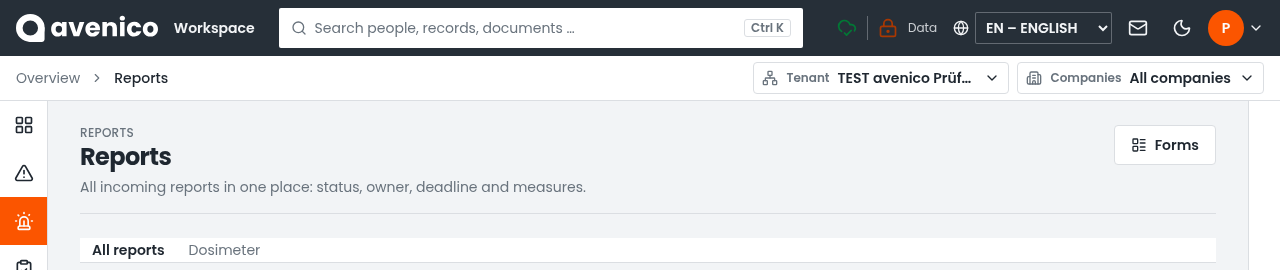
Example from a test account with fictional data - 2
Select the relevant report from the list to open its details.
- 3
Create a new action within the case.
- 4
Specify the instructions, the responsible person, and the deadline.
- 5
Save the action for the report.
What happens next
Tipp: The action is linked to the report and is also tracked in the central overview under Measures.
Troubleshooting
Achtung:
Does an action disappear automatically when a notification is read?
No, an operationally open case remains active until the action is explicitly marked as completed.
Updated: 24/11/2026 · Version 2 · #89645529
Changes in this version: fix:2026-11-24:89645529