

Review certificate and set deadline
Authorized personnel review the submitted occupational health certificate for the employer and enter the completion date as well as the next due date in the register.
Before you start
- The occupational health certificate (without medical diagnoses or findings) is available as a PDF.
- You have an authorized role for occupational medicine in the respective company.
How to do it
- 1
Open Arbeitsmedizin (Occupational medicine) in the main navigation.
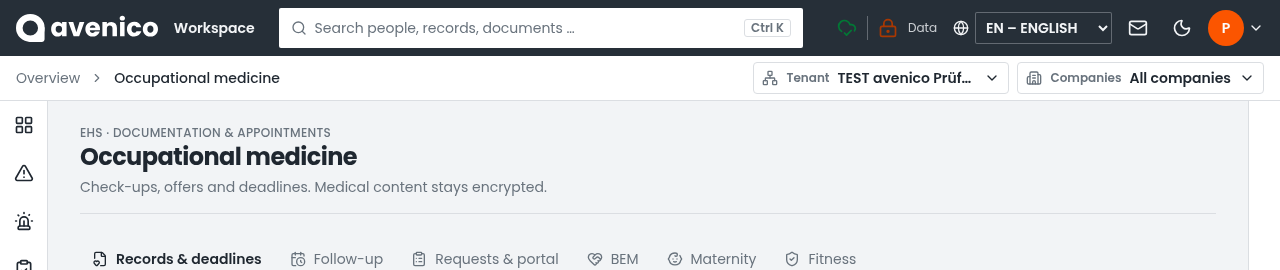
Example from a test account with fictional data - 2
Select the affected person's entry in the medical register or under follow-ups.
- 3
Review the submitted certificate for completeness and formal validity.
- 4
Enter the completion date and the next deadline indicated by the physician.
- 5
Save the record to update the status and next due date.
What happens next
Troubleshooting
Is a self-report by the employee sufficient to close the deadline?
No. An informal message is not enough. The deadline is only marked as fulfilled once an authorized role verifies and logs the certificate.
Can pure approvers verify the certificate?
No. Pure approver roles do not have access to occupational health certificates. Verification is reserved for authorized occupational health roles.
Updated: 24/11/2026 · Version 2 · #83104919
Changes in this version: fix:2026-11-24:83104919