

Person changes company
Change the company assignment of an employee file within your tenant. Permissions and areas of responsibility adjust accordingly.
Before you start
Hinweis:
- The tenant includes at least two activated companies.
- You have permission to edit employee files within the affected company scope.
How to do it
- 1
Go to People → Employee files.
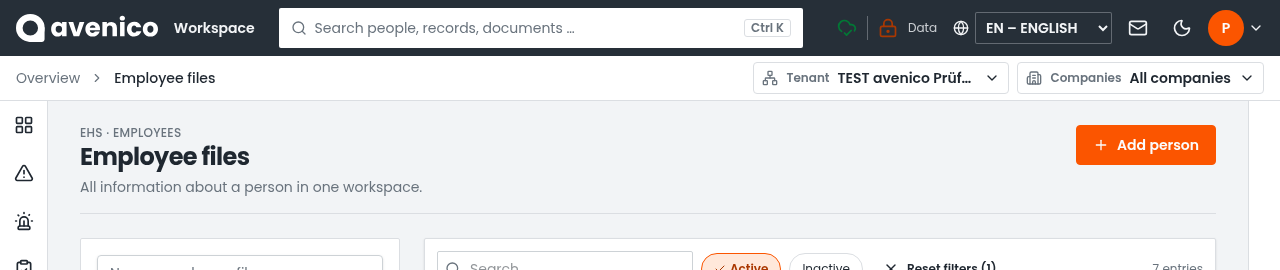
Example from a test account with fictional data - 2
Select the relevant person in the table to open their file.
- 3
In the form, change the selection in the company field to the new organization.
- 4
If necessary, adjust other details such as department and activity to the new role.
- 5
Save the changes.
What happens next
Tipp: The person is assigned to the new company. Supervisors of the previous department lose access and deadlines are assigned to the new company.
Troubleshooting
Achtung:
What happens to existing training and medical checkup deadlines after the move?
Existing records and deadlines remain intact in the employee file and are managed under the new company going forward.
Updated: 24/11/2026 · Version 2 · #40198168
Changes in this version: fix:2026-11-24:40198168