

Processing Cases and Recording Clarifications
Process open cases and review tasks, take over clarification cases, and save your feedback directly in the system.
Before you start
- You are logged in to the system.
- You have access to the cases module in the appropriate company context.
How to do it
- 1
In the main menu, navigate to Cases & workflows → Cases & escalation.
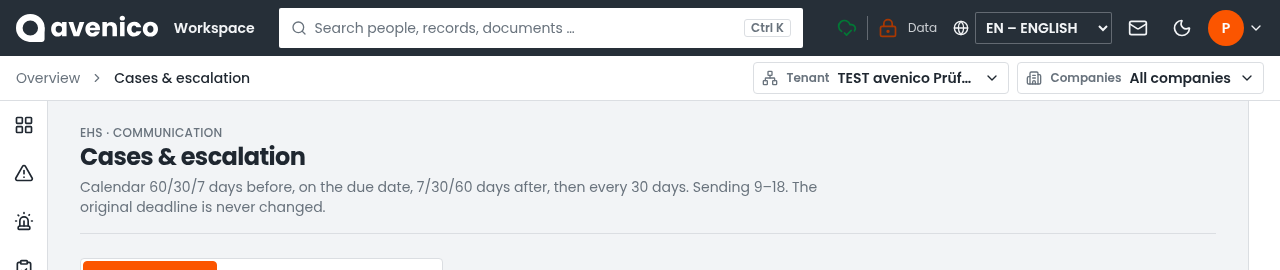
Example from a test account with fictional data - 2
Select the appropriate tab, such as Aktuelle Vorgänge or Prüfaufgaben.
- 3
Locate the relevant case in the list using columns such as Person, Thema, or Frist.
- 4
Click Klärung übernehmen on the corresponding entry to initiate clarification.
- 5
Enter your note or decision under Rückmeldung erfassen and confirm with Rückmeldung speichern (or discard using Abbrechen).
What happens next
Troubleshooting
What happens when clicking 'Klärung übernehmen'?
The case is assigned to you for clarification, opening the Rückmeldung erfassen field to document your feedback.
Where can I find pending review tasks?
Switch to the Prüfaufgaben tab within Cases & escalation to inspect all items awaiting verification.
Updated: 24/11/2026 · Version 2 · #84670446
Changes in this version: fix:2026-11-24:84670446