

Record absence in profile
You can record planned absences for informational purposes in your profile. Statutory and organizational deadlines continue as normal in the meantime.
Before you start
Hinweis:
- You are logged in to the application.
How to do it
- 1
Click your user icon in the top bar to open your profile.
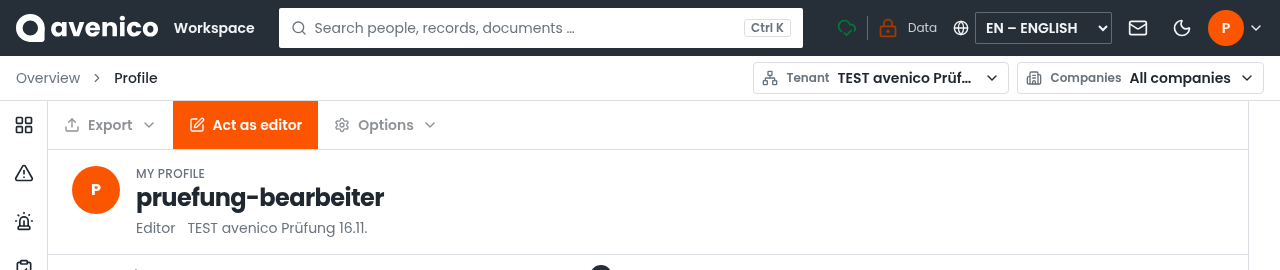
Example from a test account with fictional data - 2
Select the Abwesenheit tab.
- 3
Enter the start and end of your absence.
- 4
Save your details.
What happens next
Tipp: Your absence is recorded. Crucial note: An absence does not postpone any statutory deadlines.
Troubleshooting
Achtung:
Are my due training courses postponed due to the recorded absence?
No. An absence does not suspend or postpone statutory or company deadlines.
Updated: 24/11/2026 · Version 2 · #77586192
Changes in this version: fix:2026-11-24:77586192