

Approval and signature for reports
Authorized personnel review submitted reports and sign them off electronically via name entry or drawing. The approval is linked to the report state in an audit-proof manner.
Before you start
- The report has been submitted and is in a review or approval status.
- You have the required role to approve items in Incidents & reports.
How to do it
- 1
In the menu, go to Incidents & reports and select Reports.
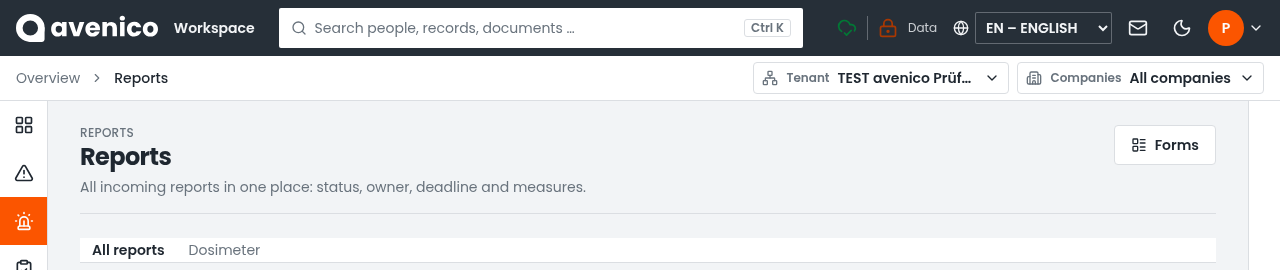
Example from a test account with fictional data - 2
Filter the list if needed by status Wartet auf Genehmigung (Awaiting approval) and open the relevant entry.
- 3
Review the recorded data, attachments, and the current status of the report.
- 4
Select the designated signature method (entering a name or drawing in the signature box).
- 5
Confirm the signature and complete the sign-off to save the decision securely.
What happens next
Troubleshooting
Does this electronic confirmation count as a qualified electronic signature (QES)?
No, this confirmation ensures internal accountability and traceability under EHS guidelines, but is not automatically a qualified electronic signature under eIDAS.
Updated: 24/11/2026 · Version 2 · #57348328
Changes in this version: fix:2026-11-24:57348328