

Analyzing accident causes
Recorded workplace accidents and near misses can be opened in detail to document root causes, contributing factors, and follow-up actions.
Before you start
- The accident or near miss is recorded in the system.
- You have editing permissions for incidents and reports.
How to do it
- 1
Go to Incidents & reports → Unfälle & Beinaheunfälle in the navigation.
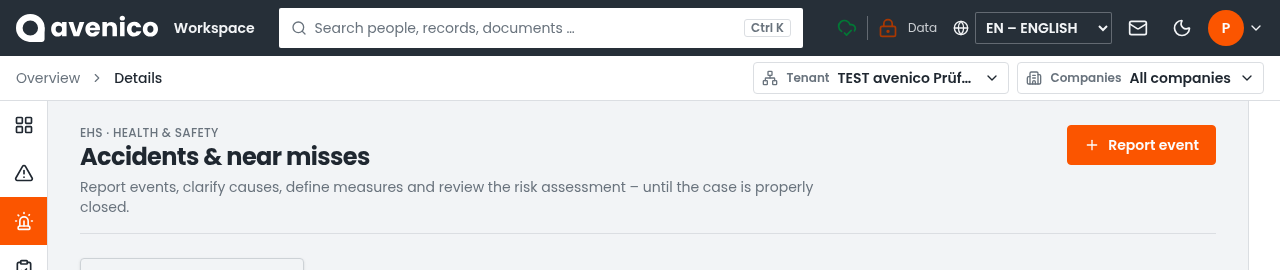
Example from a test account with fictional data - 2
Locate the incident in the table using the case number, event description, or date and select it.
- 3
Open the incident details view to access cause analysis.
- 4
Enter the identified technical, organizational, or behavioral causes.
- 5
Save your changes to record the cause analysis in the incident file.
What happens next
Troubleshooting
A reported accident does not appear in the list.
Check the company filter in the top bar (e.g. set to 'All companies') and verify the status filters above the table.
Updated: 24/11/2026 · Version 2 · #87082597
Changes in this version: fix:2026-11-24:87082597