

Create groups
Employee groups organize staff into organizational units. Every active group requires at least one assigned responsible person.
Before you start
- You have administrative rights in the tenant.
- The required company is selected in the top bar.
How to do it
- 1
In the menu, open People → Groups & supervisors.
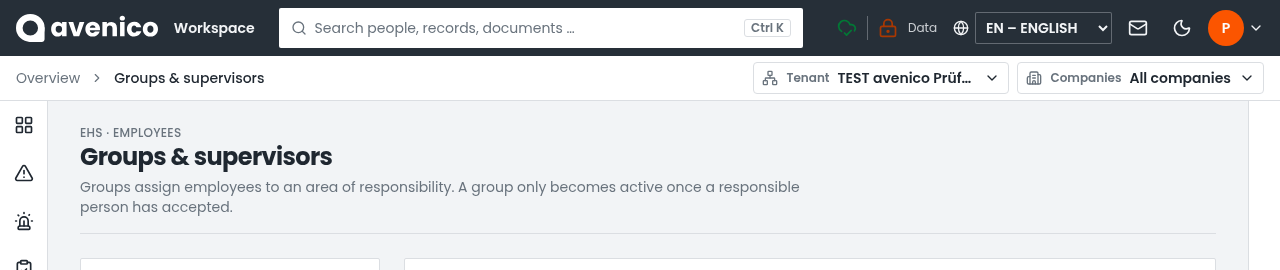
Example from a test account with fictional data - 2
Create a new group or select an existing group from the list.
- 3
Specify the designated supervisors under Responsible persons.
- 4
Assign the corresponding staff under Members and configure the escalation deadline if required.
- 5
Set the Status to active as soon as at least one responsible person is confirmed, and save the changes.
What happens next
Troubleshooting
Why cannot the group be activated?
A group can only be set to active once at least one responsible person has been assigned and saved.
Can I delete the last responsible person of an active group?
No. An active group cannot remain without a responsible person. Add a replacement first or change the group status before removing the person.
Updated: 24/11/2026 · Version 2 · #88948037
Changes in this version: fix:2026-11-24:88948037