

Upload Certificate
Following participation in an occupational health check-up, the certificate of attendance is deposited and submitted without medical findings.
Before you start
- The occupational medical check-up or examination has taken place.
- The certificate of attendance or employer confirmation is available as a PDF (maximum 8 MiB, without diagnoses).
How to do it
- 1
Navigate to Arbeitsmedizin (Occupational medicine) → Anfragen & Portal (Requests & portal).
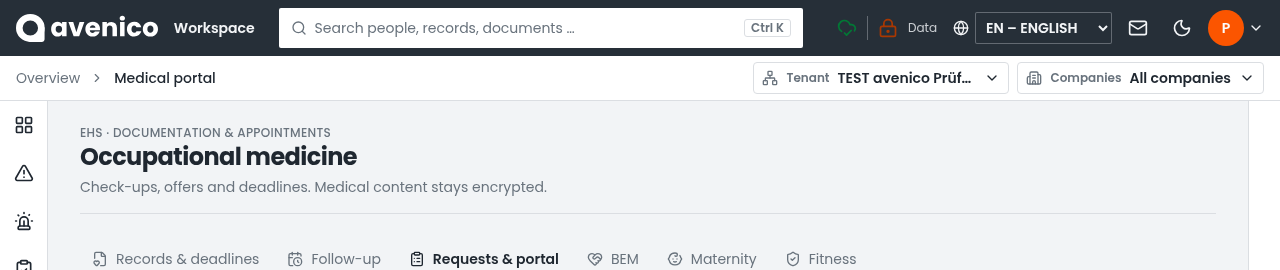
Example from a test account with fictional data - 2
In the requests list, locate the record flagged with Bescheinigung nötig (Certificate required).
- 3
Select the entry or use the access link generated under Persönliche Portal-Links (Personal portal links).
- 4
Upload the certificate file in PDF format.
- 5
Confirm the submission so the case status changes to Unterlagen eingereicht (Documents submitted) for professional review.
What happens next
Troubleshooting
May diagnoses or lab results be included in the certificate?
No. Under health and safety and data protection regulations, only certificates confirming attendance without clinical findings may be uploaded.
Is the preventive check-up deadline extended immediately upon upload?
No. Uploading flags the item as Unterlagen eingereicht; the interval is recalculated only after specialist validation and approval.
Updated: 24/11/2026 · Version 2 · #35145183
Changes in this version: fix:2026-11-24:35145183