

I was logged out automatically
avenico sessions have fixed time limits for security reasons. This guide explains why automatic logouts occur and how to sign back in.
Before you start
- You were unexpectedly logged out while working or redirected to the login page.
How to do it
- 1
Note the time limit: personal sessions in the employee portal expire automatically after 30 minutes of inactivity.
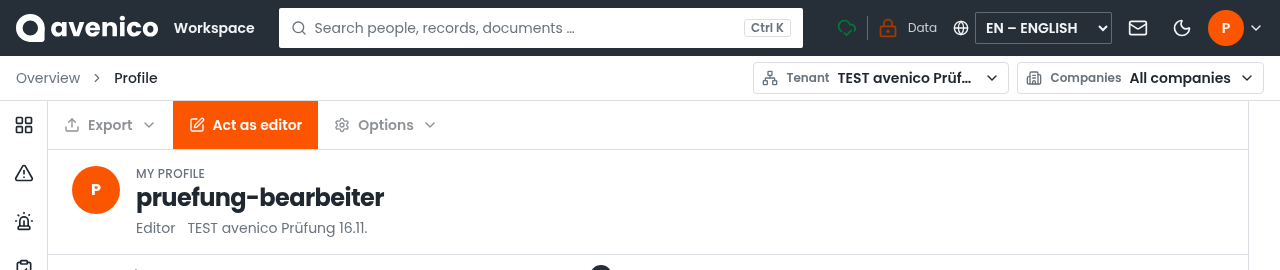
Example from a test account with fictional data - 2
Close outdated browser tabs of the same session to avoid conflicts during parallel requests.
- 3
Open your access link or the login page again and authenticate using your credentials or passkey.
- 4
After logging in, verify under your account settings that your profile and access rights are active.
- 5
Contact your administrator if your account has been deactivated or your role was changed.
What happens next
Troubleshooting
Does a portal session remain permanently stored in the browser?
No. To protect sensitive company data, portal sessions expire after the allotted time and are not stored as persistent logins.
What happens if a role is changed or an account is deactivated while working?
Security-critical changes to your account immediately invalidate existing sessions on the server side, requiring you to log in again.
Updated: 24/11/2026 · Version 2 · #26759424
Changes in this version: fix:2026-11-24:26759424