

Request preventive care for a person
Employees request occupational health checkups and voluntary benefits via personal portal links. Open requests are logged in avenico, pause existing reminders, and pass through the designated approval workflow.
Before you start
- The preventive care portal for the associated company is set up.
- The person concerned has an active employee file with a registered email address.
How to do it
- 1
Open Arbeitsmedizin in the menu and switch to the Anfragen & Portal tab.
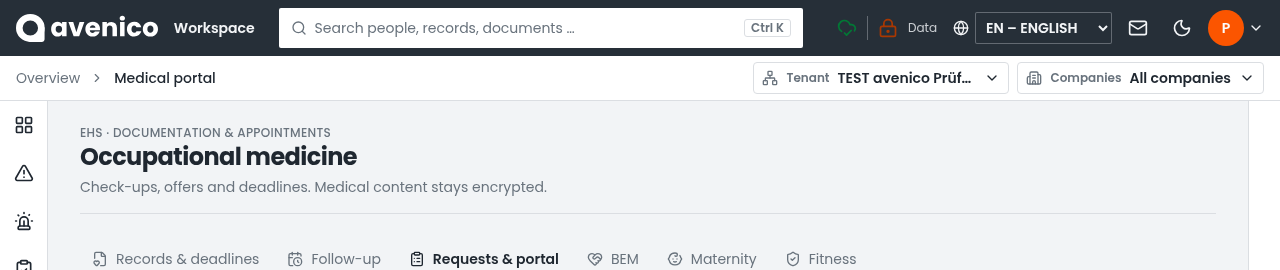
Example from a test account with fictional data - 2
In the Persönliche Portal-Links section, check the entry for the desired Person and ensure that the Status is set to Aktiv.
- 3
Open the person's personal portal link to launch the preventive care portal.
- 4
Select the responsible Unternehmen and the required checkup or voluntary benefit (maximum of ten benefits per request).
- 5
Submit the request so that it is recorded in the list under Anfragen.
What happens next
Troubleshooting
Does submitting the request already extend the deadline?
No. An open request merely pauses further reminders. It does not fulfill an obligation and does not extend any statutory deadline.
Why can I not grant my own approval?
Users whose account matches the applicant cannot approve their own request under Meine Freigaben for security reasons.
Updated: 24/11/2026 · Version 2 · #67649736
Changes in this version: fix:2026-11-24:67649736