

Report an accident or near miss
How to record an event so causes can be clarified and measures derived.
How to do it
- 1
Open Incidents & reports → Incidents & near misses and click Report event.
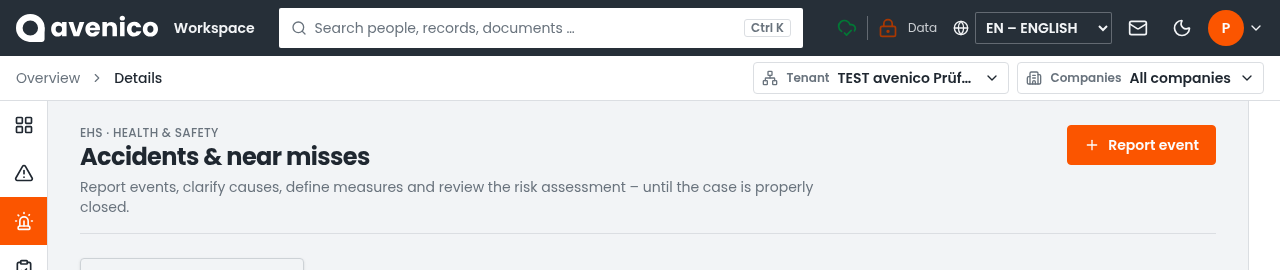
Example from a test account with fictional data - 2
Select the type of event (Accident or Near miss) and enter details such as company, date, time, location, and description.
- 3
Save your entries. In the created case, you can then add involved persons, root causes, and measures.
What happens next
Troubleshooting
Does recording the incident in avenico replace the statutory accident report to the insurer?
No. For reportable accidents (e.g. more than three days of incapacity for work), the statutory accident report must still be filed separately with the competent workers' compensation carrier. In avenico, the incident is documented and managed internally.
Related articles
Updated: 24/11/2026 · Version 2 · #18204769
Changes in this version: fix:2026-11-24:18204769