

Review and reassess risk assessment
This guide explains how to open existing risk assessments, review them for relevance, and update them when working conditions change.
Before you start
- An existing risk assessment is documented in the tenant.
- Changes to activities, equipment, or working conditions have occurred or a routine review is due.
How to do it
- 1
Open the Gefährdungen menu item in the main navigation.
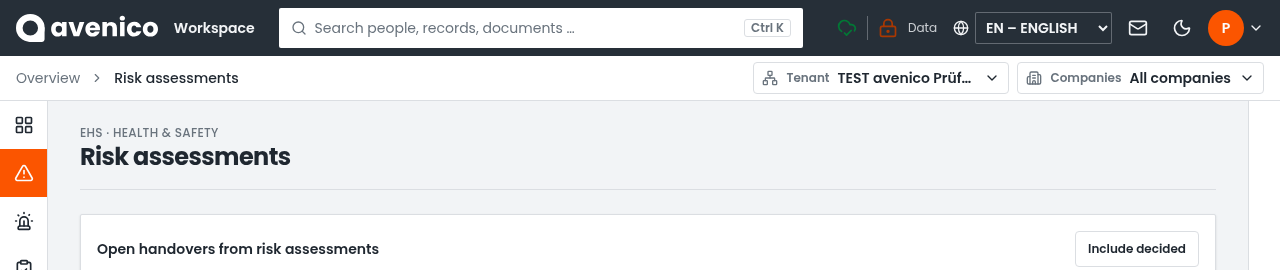
Example from a test account with fictional data - 2
Select the required assessment from the list of risk assessments.
- 3
Verify whether the recorded activities, work areas, and assigned persons match the current state.
- 4
Update the individual hazard factors, classifications, and risk ratings.
- 5
Adjust existing control measures or record new measures with deadline and responsibility.
- 6
Save your changes to update the status of the risk assessment.
What happens next
Troubleshooting
Can supervisors automatically edit all risk assessments in the tenant?
No. A supervisor or group assignment does not grant general editing rights in the hazards module; write permissions depend on assigned roles and responsibilities.
Updated: 24/11/2026 · Version 2 · #73574414
Changes in this version: fix:2026-11-24:73574414