

Processing confidential reports
Process confidential reports via the reports overview. Unauthorized individuals and supervisors do not receive access to protected contents.
Before you start
- You have a processor or specialist role with permissions for the reports module.
How to do it
- 1
Navigate in the menu to Incidents & reports → Reports.
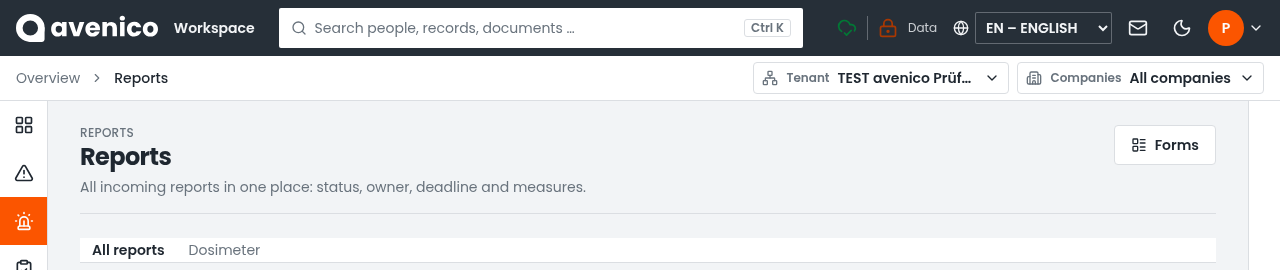
Example from a test account with fictional data - 2
If needed, narrow down the list using the status filters (e.g. New or In review).
- 3
Select the relevant entry in the list under Report to view its details.
- 4
Review details such as location / equipment, urgency, and deadline, and record your notes or corrections.
- 5
Update the processing status (e.g. to In review or Completed) to save the progress.
What happens next
Troubleshooting
Can supervisors view confidential details of a report by default?
No, supervisors only see high-level tasks or deadlines if assigned; sensitive details remain restricted to authorized roles.
Updated: 24/11/2026 · Version 2 · #78134405
Changes in this version: fix:2026-11-24:78134405